Terminal interface
Navigate with Vim-style keys and access your entries without leaving the terminal.
 cretopass
A password manager in your terminal. Keep an organized collection of secrets in one encrypted file — no account, cloud, or network connection required.
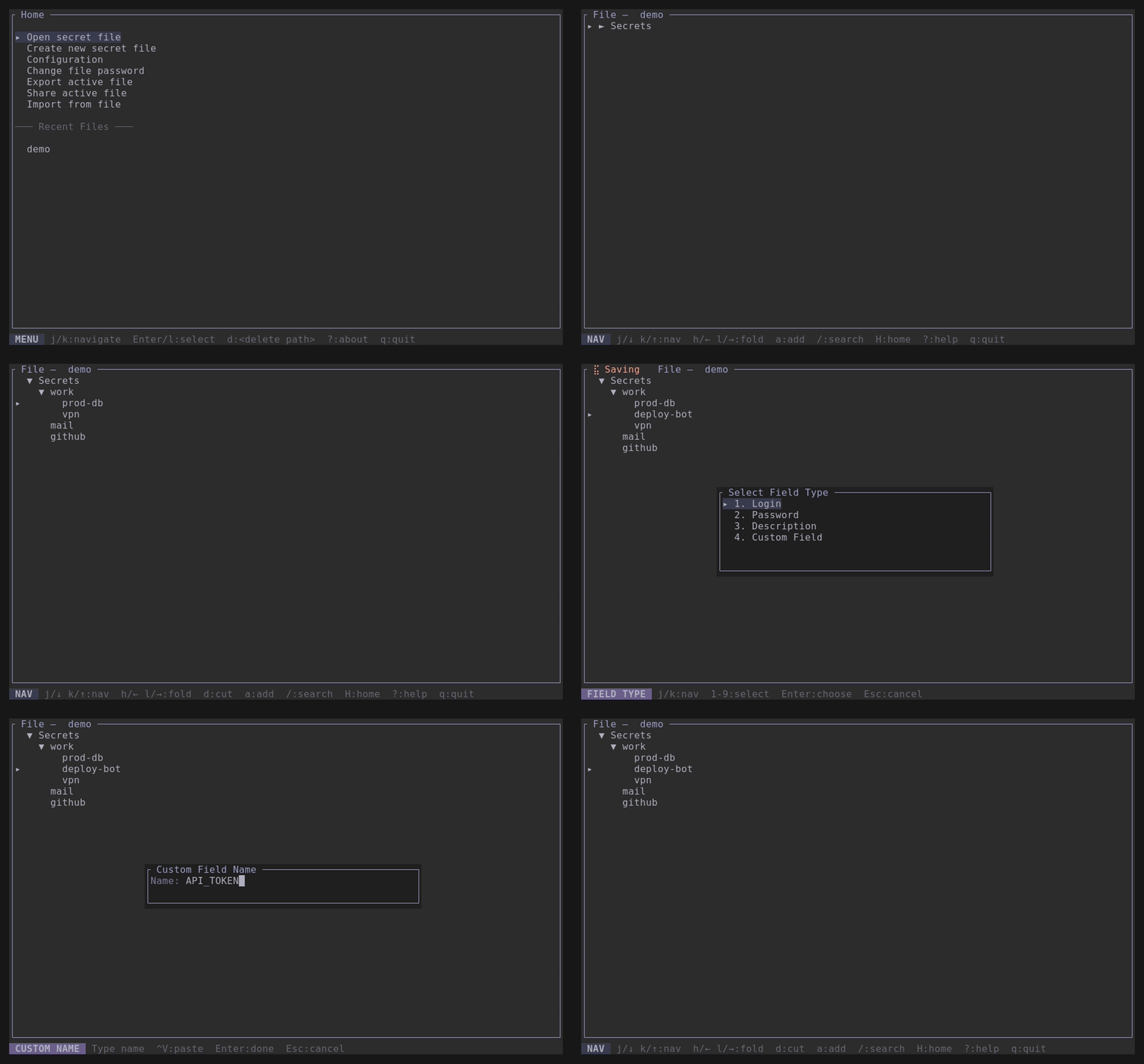
Organize secrets in a tree. Store more than passwords — keep any information you want to manage locally.
Navigate with Vim-style keys and access your entries without leaving the terminal.
Find entries and copy individual fields to your clipboard when you need them.
Create entries with custom fields — not just usernames and passwords.
Group entries by project, service, or any structure that works for you.
Generate usernames and passwords right inside the application.
Choose the vault location yourself and decide where your data lives.
cretopass does not connect to servers or sync data over the internet. Your vault is encrypted; without its passphrase, the file remains ciphertext.
Choose an installation method for Linux, macOS, Windows, or Cargo.
After installation, open your terminal and run cretopass.
curl -fsSL https://github.com/Dmitrytuk/cretopass/releases/latest/download/install.sh | shirm https://github.com/Dmitrytuk/cretopass/releases/latest/download/install.ps1 | iexcargo install cretopass